
Sun Finder for iPhone & Android

Understand the light around you.

See where the sun will be, when it will arrive, and how shadows will move. Plan better photos, properties, gardens, and outdoor spaces.

Free to download · Location, map, AR, and sunlight tools in one place.

Sun Finder map view showing sunlight and shadows changing across a city
Map the sunAny location, any date
See it in ARSun path over the real world
Model shadowsBuildings, trees, and objects
Plan the momentGolden hour and twilight

Who it’s for

Made for anyone who plans around the sun.

Sunlit modern home with a garden and solar panels

Buying a home

Analyse seasonal sun exposure at every corner before you buy.

Lush raised garden beds with sunlight and shade across different planting areas

Gardening

Plan where your plants will thrive by understanding sunlight and shade throughout the seasons.
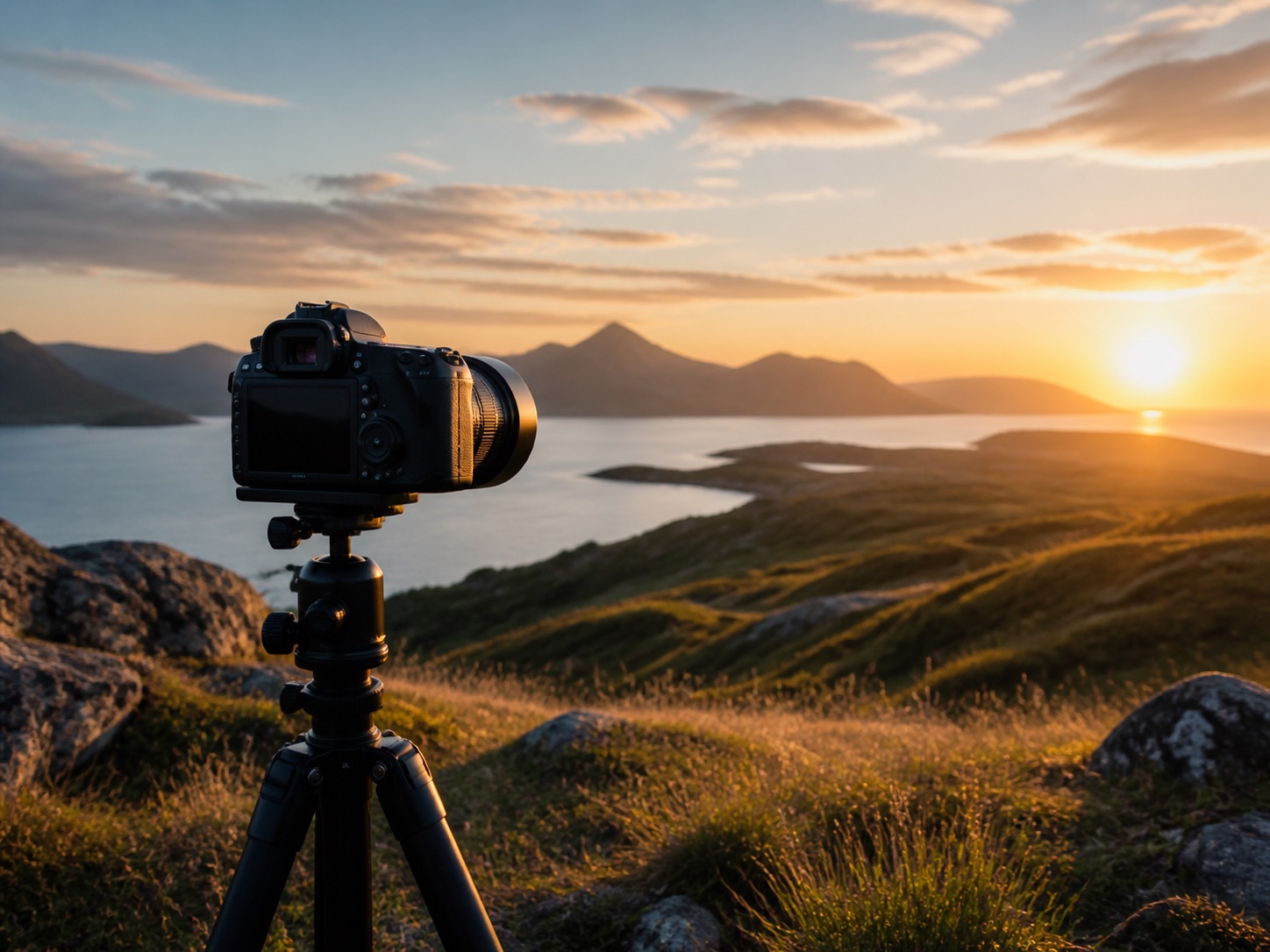
Camera on a tripod facing a golden-hour mountain landscape

Taking photos

Find golden hour, sunrise, sunset, and the direction of the light.
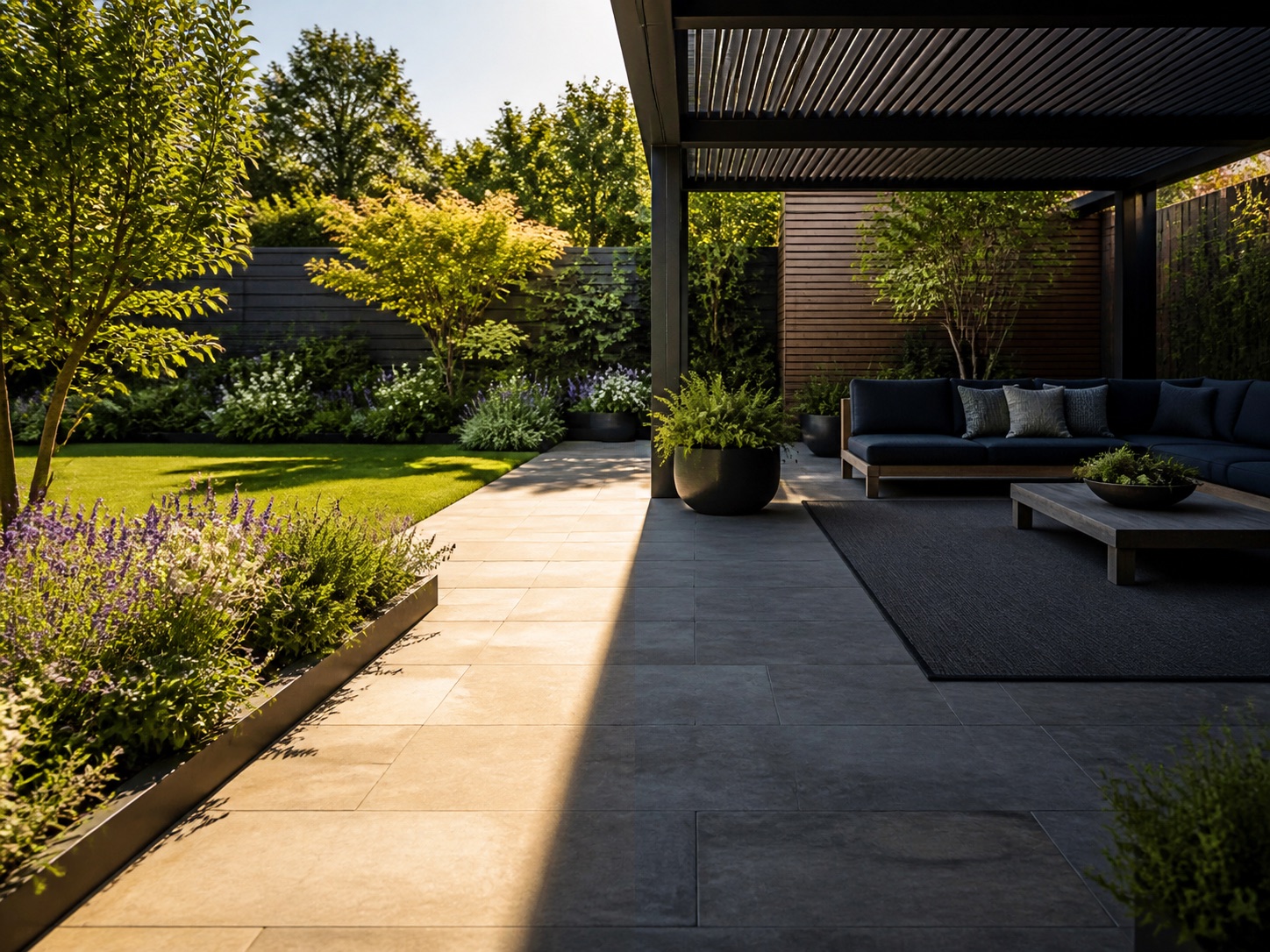
Modern garden and patio divided between sunlight and shade

Designing outdoor spaces

Understand shade before you place a plant, patio, pool, or outdoor room.
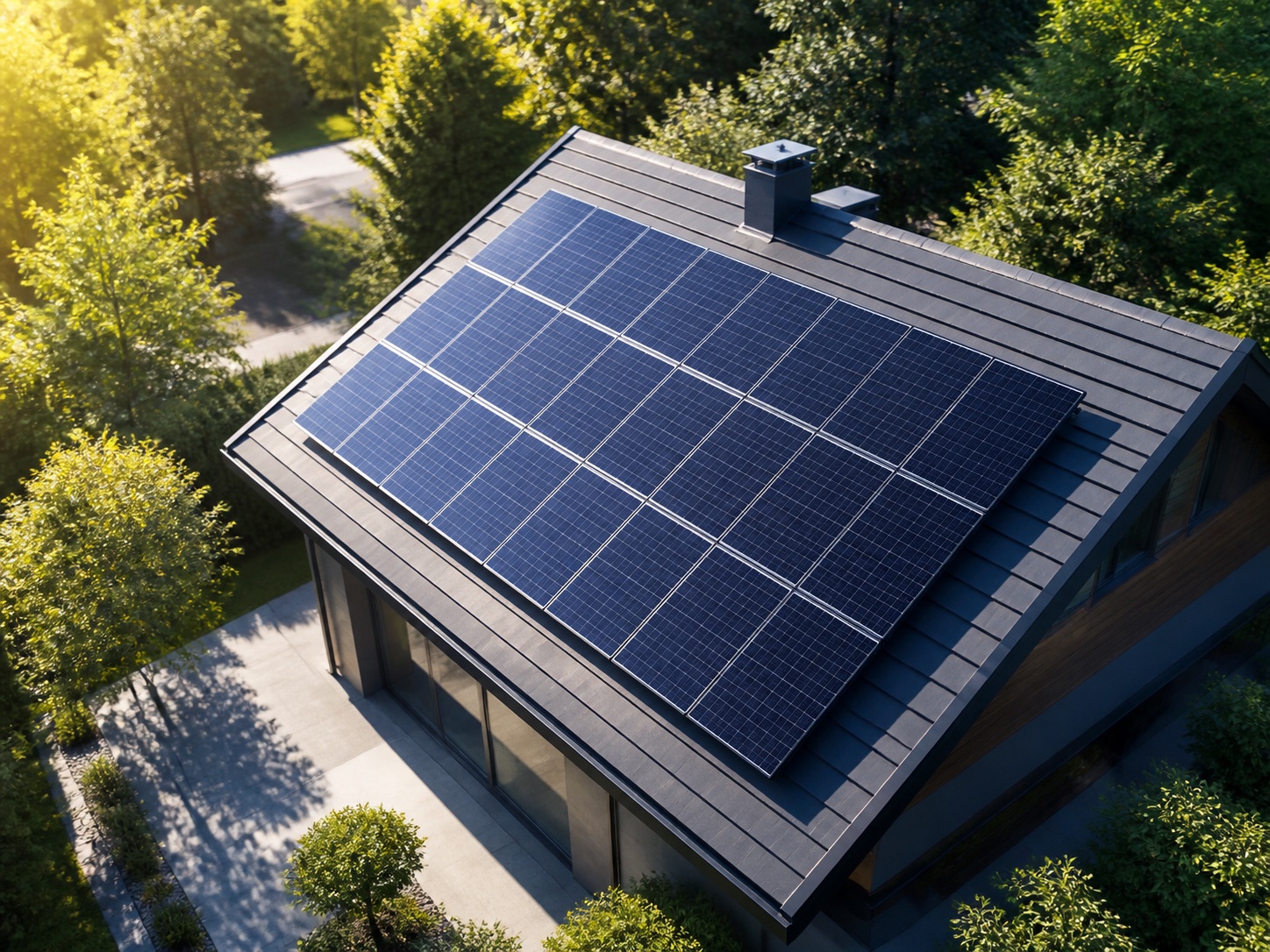
Solar panels on a modern roof in bright sunlight

Planning solar

See seasonal exposure patterns before optimising a solar installation.

Tent and backpack beside a sunlit mountain lake

Exploring outdoors

Choose when and where a hike, picnic, or campsite will feel best.

One app. Every angle of the sun.

From a quick glance to a full sunlight report.

Sun Finder gives you the context to make better decisions wherever light matters.

Sun Finder sun path view showing sunrise to sunset Sun Finder AR view showing the sun's path across a real landscape
01

See the whole day before it happens.

Explore the sun’s path from sunrise to sunset, then switch to AR to place that path over the real world. It is a clearer way to understand direction, timing, and light at a glance.

Sun Finder shadow view with trees and a building modelled on a map Sun Finder replay view showing how sunlight changes across saved photos
02

Turn sunlight into something you can plan around.

Place objects and see their shadows change. Revisit saved photos with a sun replay. Whether you are designing a garden or scouting a shot, the light becomes much easier to reason about.

Sun Finder golden hour and twilight times for a selected date Sun Finder AR camera view for planning the perfect light
03

Find the perfect light for your photos.

See golden hour, blue hour, civil twilight, nautical twilight, and astronomical twilight for any place and date. Plan the perfect moment instead of hoping you catch it.

Sun Finder property report comparing sunlight across four sides of a home Sun Finder AI sunlight report with seasonal analysis and recommendations
04

Make property sunlight easier to compare.

Compare the sunlight on different sides of a property, understand seasonal patterns, and get an AI-powered report that turns the numbers into a useful recommendation.

Quick answers

Get more accurate results from the start.

How do I get started?
Allow location and camera permissions, then choose a date and time from the timeline. Switch between Map and AR to explore the sun path in different ways.
How do I use AR view?
Point your camera toward the horizon. If the overlay drifts, recalibrate your compass by moving your phone in a slow figure-eight.
How do I find golden or blue hour?
Open Photo Hours to view golden hour, blue hour, and twilight times. Tap a time to jump the sun path to that moment.
How does shadow tracking work?
Place an object on the map and slide the time to see how its shadow changes in length and direction throughout the day.
Why is the sun position slightly off?
Accuracy depends on compass and GPS quality. Try stepping outdoors, turning off battery saver, and recalibrating the compass.
AR view is blank — what should I do?
Check camera permissions and restart the app. If needed, close other camera apps so Sun Finder can access the camera.

Start with the sun

Make every outdoor decision with better light.

Download Sun Finder for iPhone or Android.

Download on the App Store Get it on Google Play
QR code to download Sun Finder on iOSScan for iOS
QR code to download Sun Finder on AndroidScan for Android